— Contents 17 sections
- 01 How the Binance API works
- 02 Before you start: keys, permissions, and one auth helper
- 03 Getting the current price from the Binance API
- 04 Fetching Binance candlestick data (klines)
- 05 Checking your Binance balance in Python
- 06 Placing a market order with the Binance API
- 07 Placing a limit order with the Binance API (and where stop-limit fits)
- 08 Canceling orders and listing open Binance orders
- 09 Checking Binance order status and trade history
- 10 Getting a Binance deposit address (and deposit history)
- 11 Withdrawing funds with the Binance API
- 12 Moving funds between Binance wallets (spot, funding, futures)
- 13 Binance WebSocket streams: live prices in Python
- 14 Binance API rate limits and common errors
- 15 Running your Binance API code as a bot
- 16 Conclusion and next steps
- 17 Frequently asked questions
The official Binance API documentation is a reference: complete, accurate, and hard to use when all you want is the five lines of Python that place an order or fetch your balance. This guide is the other half — for each common operation, what the docs specify in one or two sentences, then the shortest code that actually works, then the mistakes that cost people time. Everything here was verified against the current official documentation and, where the endpoint allows it, against the live API. The scope is spot trading plus the wallet operations (deposits, withdrawals, transfers) a typical account needs.
How the Binance API works
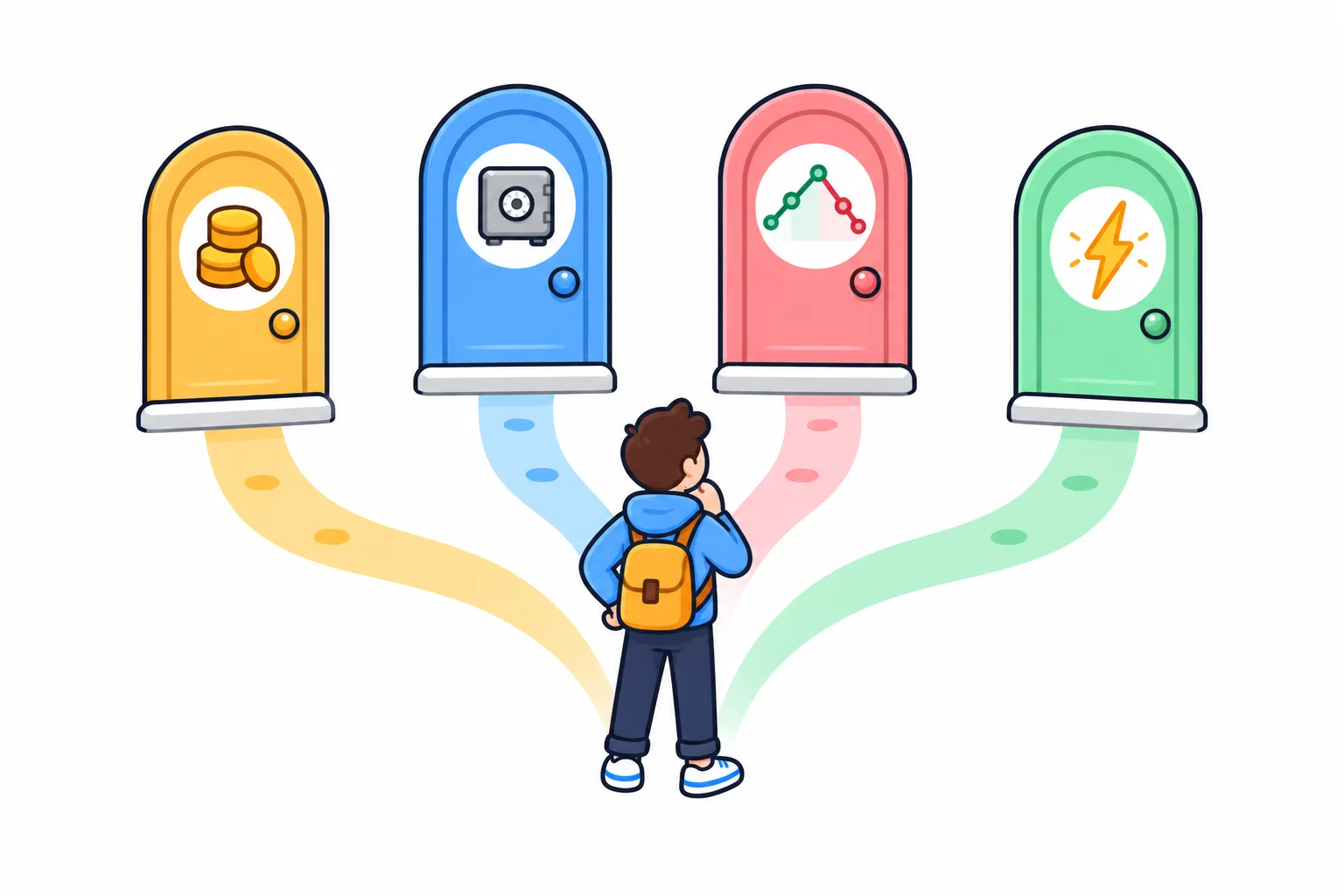
Binance does not have one API. The developer portal fronts documentation for more than thirty products, and several of them expose a same-named operation on a different host with different parameters and different rate limits. Most confusion with “the Binance API” starts with reading the wrong tree. These are the main families, each with its own documentation tree:
| API family | Host and prefix | What it is | In this guide |
|---|---|---|---|
| Spot | api.binance.com + /api/v3 | buying and selling actual coins: prices, orders, balances, streams | Yes |
| Wallet | api.binance.com + /sapi/v1 | moving funds: deposits, withdrawals, transfers between wallets | Yes |
| Futures (USDⓈ-M) | fapi.binance.com + /fapi/v1 | USDT/USDC-margined perpetuals and futures, with leverage and positions | No — separate tree |
| Futures (COIN-M) | dapi.binance.com + /dapi/v1 | coin-margined contracts | No |
| Margin | api.binance.com + /sapi/v1/margin | borrowing against collateral to trade spot with leverage | No |
| Options | eapi.binance.com + /eapi/v1 | European-style options | No |
This guide covers the first two — the spot API plus the wallet operations every account needs. The futures APIs are complete, separate trees: different hosts, different parameters (even the time-in-force values differ), a different demo environment, and a position/leverage model that deserves its own walkthrough — mixing their values into spot code is exactly the confusion this guide exists to prevent, so futures belongs in its own guide rather than a shared chapter here.
Two traps worth naming now: wallet and margin share the spot host, so
their calls look like “part of the spot API” — they are separate trees with
separate documentation and rate-limit accounting. And Binance.US is a
separate company with its own API and documentation (docs.binance.us) —
everything in this guide is for the global exchange.
Two transports matter for most users. REST is request/response over HTTPS: one call, one answer — right for orders, balances and anything occasional. WebSocket streams push data to you continuously — right for live prices, where polling REST would burn your rate limit. Requests that touch your account are signed: you send a timestamp and an HMAC-SHA256 signature computed with your secret key (Binance now recommends Ed25519 keys, which sign with a private key instead — the request shape is the same). Rate limiting is weight-based per IP: every endpoint costs a documented weight against a budget of 6,000 per minute on the spot tree.
Before you start: keys, permissions, and one auth helper

You need a Binance account with identity verification and two-factor authentication, and at least one deposit before the account can create API keys — if you don’t have one, our Binance review covers registration. Create the key under Profile → [Account] → [API Management], enable only what you need, and keep withdrawals off unless a recipe below explicitly requires them. One rule breaks more first attempts than everything else combined: a system-generated (HMAC) key with unrestricted IP access is read-only in practice — to trade, either IP-restrict the key or use a self-generated Ed25519 key. The full walkthrough, including the testnet, is in our Binance trading bot guide.
Two diagnostics worth knowing before you debug anything the hard way:
- Ask Binance what your key can do.
GET /sapi/v1/account/apiRestrictionsreturns the actual toggles on your key (enableReading,enableSpotAndMarginTrading,enableWithdrawals,permitsUniversalTransfer,ipRestrictand more). When an operation fails with a permission error, this one call replaces guesswork. It is a/sapiendpoint, so production only. - Check your signing code offline. The official docs publish a worked
example with a sample secret key and the exact expected signature. If your
helper reproduces that signature, your signing is correct — no API key or
network needed. That is the cheapest fix for
-1022 Invalid signature(the published vector is HMAC-only; it cannot check an Ed25519 setup).
The docs’ sample pair is safe to print precisely because it is not a real key — real keys never belong in a code block:
payload: symbol=LTCBTC&side=BUY&type=LIMIT&timeInForce=GTC&quantity=1&price=0.1&recvWindow=5000×tamp=1499827319559
secret: NhqPtmdSJYdKjVHjA7PZj4Mge3R5YNiP1e3UZjInClVN65XAbvqqM6A7H5fATj0j
expected: c8db56825ae71d6d79447849e617115f4a920fa2acdcab2b053c4b2838bd6b71All signed examples below share this helper. Point BASE at the testnet
while you practice and at production when you go live:
import hmac, hashlib, time, os
import requests

BASE = "https://testnet.binance.vision/api"   # production: https://api.binance.com/api
SAPI = "https://api.binance.com/sapi"         # wallet tree — production only, no sandbox
# Keys must match the host they are used against: the testnet pair (from
# testnet.binance.vision) signs the signed_* calls while BASE points at the
# testnet; the sapi_* helpers always hit production, so they sign with the
# production pair (only needed once you reach the deposit/withdraw recipes).
KEY = os.environ["BINANCE_KEY"]
SECRET = os.environ["BINANCE_SECRET"]
PKEY = os.environ.get("BINANCE_PROD_KEY", "")
PSECRET = os.environ.get("BINANCE_PROD_SECRET", "")

def _signed(method, base, path, **params):
    key, secret = (PKEY, PSECRET) if base == SAPI else (KEY, SECRET)
    params["timestamp"] = int(time.time() * 1000)
    query = "&".join(f"{k}={v}" for k, v in params.items())
    sig = hmac.new(secret.encode(), query.encode(), hashlib.sha256).hexdigest()
    url = f"{base}{path}?{query}&signature={sig}"
    return requests.request(method, url, headers={"X-MBX-APIKEY": key}).json()

def signed_get(path, **params):    return _signed("GET", BASE, path, **params)
def signed_post(path, **params):   return _signed("POST", BASE, path, **params)
def signed_delete(path, **params): return _signed("DELETE", BASE, path, **params)
def sapi_get(path, **params):      return _signed("GET", SAPI, path, **params)
def sapi_post(path, **params):     return _signed("POST", SAPI, path, **params)
The signed_* helpers hit the spot tree (switchable to the testnet). The
sapi_* helpers hit the wallet tree, which exists on production only — so
the deposit, withdrawal and transfer recipes below sign with your
production pair (BINANCE_PROD_KEY / BINANCE_PROD_SECRET above), not a
testnet one, even while BASE still points at the testnet. The helper signs
with an HMAC key (the system-generated kind). The Ed25519 route needs two
changes, not one: sign with your private key and base64-encode the result,
then percent-encode that signature before putting it in the query string
— see the Ed25519 signed-request example in the official docs. As a bonus, the permission self-check from
above is now a one-liner: sapi_get("/v1/account/apiRestrictions").
Getting the current price from the Binance API

Docs say: GET /api/v3/ticker/price returns the latest price for a
symbol. Security type NONE — no API key, no signature.
Permission: none. This even works on a dedicated keyless host,
data-api.binance.vision, before you have an account.
import requests
price = requests.get("https://data-api.binance.vision/api/v3/ticker/price",
                     params={"symbol": "BTCUSDT"}).json()
print(price) # {'symbol': 'BTCUSDT', 'price': '...'}Gotchas: REST symbols are uppercase with no separator. btcusdt or
BTC/USDT fails with -1100 Illegal characters found in parameter 'symbol'
— the legal-range regex in that message excludes lowercase letters outright
(-1121 Invalid symbol is the different error you get for a well-formed
pair that does not exist). WebSocket stream names are the exact opposite,
lowercase. And don’t poll this in a loop for a live feed:
the rate-limit error text itself tells you to use WebSocket streams instead
— see the streams section below.
Testnet: works (https://testnet.binance.vision/api).
Reference: ticker price
Fetching Binance candlestick data (klines)
Docs say: GET /api/v3/klines returns OHLCV candles for a symbol and
interval (1s … 1M, case-sensitive), up to 1000 per call. No key needed.
Permission: none.
rows = requests.get("https://data-api.binance.vision/api/v3/klines",
                    params={"symbol": "BTCUSDT", "interval": "1h", "limit": 100}).json()
# each row is a list: [0] open time, [1] open, [2] high, [3] low, [4] close,
# [5] volume, [6] close time, ... (OHLCV values are strings; the two
# timestamps and the trade count are numbers)
closes = [float(r[4]) for r in rows]Gotchas: the response is an array of arrays, not objects — index
positions matter. limit is capped at 1000; for more history, page with
startTime/endTime (interpreted in UTC) instead of raising the limit. And
the most recent row is a still-forming candle — using it as a closed
candle silently corrupts backtests. Drop the last row, or use the WebSocket
kline stream where the k.x field says “is this kline closed?”.
Testnet: works.
Reference: klines
Checking your Binance balance in Python

Docs say: GET /api/v3/account returns the spot wallet — every asset
with free and locked amounts, plus account flags and commission rates.
Signed request.
Permission: [Enable Reading] is enough — the right endpoint for a
read-only monitoring key.
account = signed_get("/v3/account", omitZeroBalances="true")
for b in account["balances"]:
print(b["asset"], b["free"], b["locked"])Gotchas: free is what you can spend; locked is reserved by your own
open orders — size orders off free, not the total, or you’ll hit “Account
has insufficient balance”. If a deposit “isn’t showing up”, it is usually in
another wallet: this endpoint is spot only, and funds in the funding or
futures wallets are invisible here (see the transfer recipe). A -1021
timestamp error means your machine’s clock drifts outside recvWindow, the
validity window on a signed request (5,000 ms by default) — sync your system
clock (NTP) rather than widening the window.
Testnet: works, and test accounts come pre-funded with virtual assets.
Reference: account information
Placing a market order with the Binance API

Docs say: POST /api/v3/order with type=MARKET buys or sells
immediately. You give either quantity (amount of the base asset, e.g. BTC)
or quoteOrderQty (amount of the quote asset to spend, e.g. USDT) — exactly
one of the two.
Permission: [Enable Spot & Margin Trading] — and remember the
unrestricted-IP rule from the setup section.
# spend exactly 20 USDT at market price
order = signed_post("/v3/order", symbol="BTCUSDT", side="BUY",
                    type="MARKET", quoteOrderQty="20")
print(order["orderId"], order["status"])Gotchas: quoteOrderQty is the beginner-friendly form — the docs state
it does not break the LOT_SIZE filter, so “spend a round 20 USDT” cannot be
rejected for quantity-step reasons the way a hand-computed BTC quantity can.
Keep the value above the symbol’s minimum notional (about 5 USDT on
BTC/USDT). To validate an order without executing it, send the same
parameters to POST /api/v3/order/test. If every order fails with -2015
even though trading “looks enabled”, re-read the key rules above — that is
the read-only trap, not your code.
Testnet: works (fills against the testnet’s own order book, so prices
differ from production).
Reference: new order
Placing a limit order with the Binance API (and where stop-limit fits)
Docs say: type=LIMIT requires price, quantity and timeInForce.
Spot supports exactly three time-in-force values: GTC (rests until
canceled), IOC (fill what you can, cancel the rest), FOK (fill fully or
not at all).
Permission: [Enable Spot & Margin Trading].
order = signed_post("/v3/order", symbol="BTCUSDT", side="BUY",
                    type="LIMIT", timeInForce="GTC",
quantity="0.0002", price="60000.00")Gotchas: price must sit on the symbol’s tickSize grid and quantity on
its stepSize grid (from GET /api/v3/exchangeInfo), and price × quantity must
clear minNotional — the three filter rejections behind most -1013 errors.
timeInForce belongs to LIMIT orders only; sending it on a MARKET order
fails. A post-only order — one that is rejected rather than filling as a
taker — is its own type on spot (LIMIT_MAKER), not a time-in-force. The
stop-loss / take-profit variants (STOP_LOSS_LIMIT, TAKE_PROFIT_LIMIT)
take the LIMIT shape above plus a stopPrice; check the
order types reference
before using them. If you read about GTX or GTD somewhere, that was the
futures tree — they do not exist on spot.
Testnet: works — a resting limit order is ideal practice material for
the next recipe.
Reference: new order
Canceling orders and listing open Binance orders
Docs say: GET /api/v3/openOrders lists working orders;
DELETE /api/v3/order cancels one by orderId;
DELETE /api/v3/openOrders cancels everything on a symbol.
Permission: listing needs only reading; canceling needs trading — a
read-only monitor key can see open orders but not pull them.
open_orders = signed_get("/v3/openOrders", symbol="BTCUSDT")
for o in open_orders:
signed_delete("/v3/order", symbol="BTCUSDT", orderId=o["orderId"])Gotchas: always pass symbol to openOrders — without it the call
costs weight 80 instead of 6 and scans every symbol. Canceling something
that already filled returns -2011 or -2013 Order does not exist; in
automation, treat both as benign and re-query state instead of retrying. If
you only want to cancel when nothing has executed yet, send
cancelRestrictions=ONLY_NEW and treat its rejection as information, not
failure.
Testnet: works.
Reference: cancel order
Checking Binance order status and trade history
Docs say: GET /api/v3/order fetches one order by id;
GET /api/v3/allOrders pages through past orders;
GET /api/v3/myTrades returns your actual executions with commission
fields. For the two history endpoints, startTime to endTime cannot span
more than 24 hours.
Permission: reading, for all three.
trades = signed_get("/v3/myTrades", symbol="BTCUSDT", limit=20)
for t in trades:
print(t["price"], t["qty"], t["commission"], t["commissionAsset"], t["isMaker"])Gotchas: orders tell you what you asked for; myTrades tells you what
actually happened — fills, prices and fees. Any profit-and-loss or fee
accounting must come from myTrades. The 24-hour window limit on history
queries is documented and hard (-1127 when exceeded) — page in daily
windows. This endpoint family is also your safety net: when an order request
times out (-1007) or returns a 5XX, the execution status is unknown, so
query the order state before any retry — blind retries double-buy.
Testnet: works, but the testnet wipes history in its roughly monthly
resets.
Reference: account trade list
Getting a Binance deposit address (and deposit history)

Docs say: GET /sapi/v1/capital/deposit/address returns a deposit
address for a coin on a chosen network; GET /sapi/v1/capital/deposit/hisrec
lists deposits (status 0 pending, 1 success). The list of coins and their
networks comes from GET /sapi/v1/capital/config/getall.
Permission: reading — notably not withdrawal permission. Fetching an
address is a read; don’t enable withdrawals “to handle deposits”.
addr = sapi_get("/v1/capital/deposit/address", coin="USDT", network="BSC")
print(addr["address"], addr.get("tag", ""))Gotchas: always pass network explicitly. If you omit it, you get
the coin’s default network — and funds sent on a mismatched chain are the
classic irreversible mistake. Enumerate valid networks from
capital/config/getall rather than hardcoding. Errors like -4044 (region)
or -4042 are account or asset conditions, not bugs in your request.
Testnet: not available — /sapi is not served on the Spot Test Network
at all. This recipe runs on production only.
Reference: deposit address
Withdrawing funds with the Binance API
Docs say: POST /sapi/v1/capital/withdraw/apply submits a withdrawal
(coin, address, amount, plus network). The response contains only an
id — completion is confirmed by polling
GET /sapi/v1/capital/withdraw/history, never by the response itself.
Permission: [Enable Withdrawals], which Binance only allows on a key
with mandatory IP restriction.
A safety frame before any code: withdrawal is the one permission that lets a leaked key move funds out of your account. A trading bot never needs it — keep it off the bot’s key (this is the same rule as in our bot guide). If you automate withdrawals at all, use a dedicated key, IP-restricted, against a whitelisted address, and start with the smallest amount the asset allows.
result = sapi_post("/v1/capital/withdraw/apply",
                   coin="USDT", network="BSC",
                   address="0xYourWhitelistedAddress", amount="10")
print(result) # {"id": "..."} — now poll withdraw/history for completionGotchas: there is no sandbox for this — /sapi does not exist on
the testnet, so the first real run is on production with real assets; that
is why the smallest-amount rule is not optional. -4035 means the address
is not on your account’s withdrawal whitelist (an account setting, not an
API parameter); -4013/-4014 are 2FA and recent-login conditions; none of
these are fixed by changing code. Withdrawal fees vary by network — check
them in capital/config/getall before choosing a chain.
Testnet: not available.
Reference: withdraw
Moving funds between Binance wallets (spot, funding, futures)
Docs say: POST /sapi/v1/asset/transfer moves an asset between your own
wallets. The type parameter encodes direction as FROM_TO:
MAIN_UMFUTURE is spot → USDⓈ-M futures, FUNDING_MAIN is funding → spot,
and so on (MAIN = spot, UMFUTURE/CMFUTURE = futures, FUNDING =
funding wallet, MARGIN = cross margin).
Permission: the key needs Permits Universal Transfer — a separate
toggle from trading. Funds stay inside your account, so this is far less
dangerous than withdrawal, but it is still fund movement: leave it off a
pure trading key.
moved = sapi_post("/v1/asset/transfer",
                  type="FUNDING_MAIN", asset="USDT", amount="50")
print(moved) # {"tranId": ...}Gotchas: this endpoint answers the eternal “why does my bot see a zero
balance” — the money is sitting in the funding or futures wallet while your
code reads spot. FUNDING_MAIN / MAIN_FUNDING is the pair most people
actually need. Reversed direction shows up as -5003 You don't have this asset. -5012 means the transfer is pending, not failed — check the
history side (GET /sapi/v1/asset/transfer) before retrying, or you may
move funds twice.
Testnet: not available.
Reference: universal transfer
Binance WebSocket streams: live prices in Python

Docs say: market streams live at wss://stream.binance.com:9443/ws/ +
stream name — for example btcusdt@kline_1m for candles or
btcusdt@bookTicker for best bid/ask. No API key needed. Stream names are
lowercase.
Permission: none for market data.
# pip install websocket-client
import json, websocket

def on_message(ws, msg):
    k = json.loads(msg)["k"]
    if k["x"]:                      # candle is closed — safe to act on
        print("closed 1m candle:", k["c"])

ws = websocket.WebSocketApp(
    "wss://stream.binance.com:9443/ws/btcusdt@kline_1m",
    on_message=on_message)
ws.run_forever()Gotchas: lowercase here, uppercase on REST — the single most confusing
asymmetry in the whole API. The k.x boolean (“is this kline closed?”) is
the only correct trigger for candle-close logic. Connections are terminated
at the 24-hour mark by design and the server pings every 20 seconds, so
production code must answer pings and reconnect automatically.
One correction that will save you an afternoon: the listenKey method for
user data streams is dead. Older tutorials (and pre-2026 SDK samples)
teach POST /api/v3/userDataStream → connect with the returned listenKey →
keepalive every 30 minutes. Those endpoints were retired on 2026-02-20 and
now return a bare HTTP 410 with no JSON error — verified live while writing
this guide. The current flow is a userDataStream.subscribe request on the
WebSocket API (wss://ws-api.binance.com/ws-api/v3) — the documented flow authenticates with an
Ed25519 key, after which balance and order events (executionReport,
outboundAccountPosition) arrive on the same connection.
Testnet: market streams and the new subscribe flow both work
(wss://stream.testnet.binance.vision/ws).
Reference: WebSocket streams · user data stream
Binance API rate limits and common errors
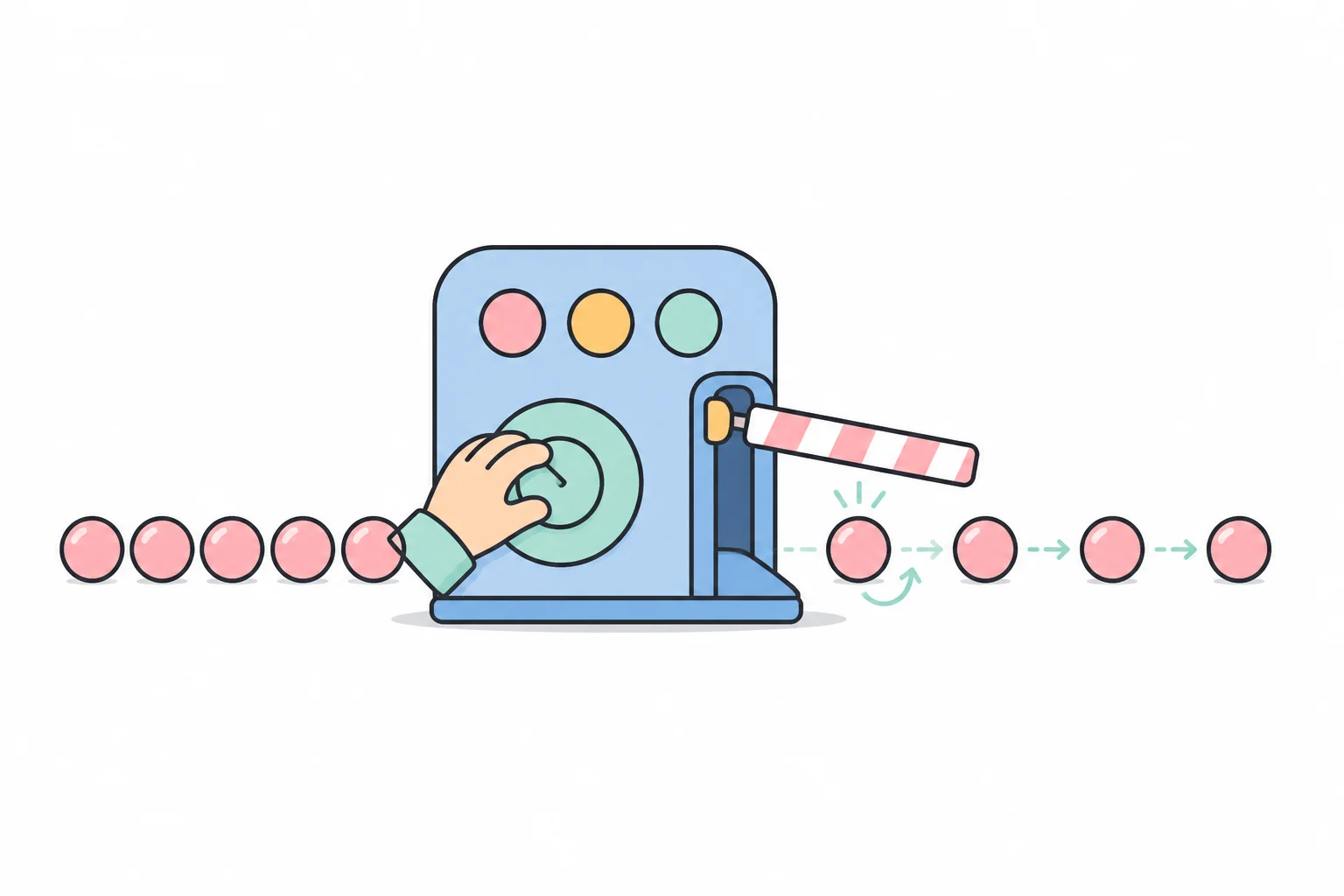
The spot tree budgets 6,000 request weight per minute per IP (older
articles still say 1,200 — outdated). Every response reports your usage in
the X-MBX-USED-WEIGHT-1M header. Exceeding the budget returns HTTP 429;
ignoring 429s earns an automatic IP ban (418) that scales from 2 minutes
to 3 days. Wallet (/sapi) endpoints keep separate, per-endpoint budgets —
another reason not to treat the two trees as one API. The errors this guide’s
recipes mention most:
| Code | Meaning | Usual fix |
|---|---|---|
-1021 | timestamp outside recvWindow | sync your clock (NTP) or offset from GET /api/v3/time |
-1022 | invalid signature | verify your helper against the official test vector offline |
-2015 | key/IP/permission rejected | the read-only trap; check apiRestrictions on production |
-1013 / -2010 | filter failure / order rejected | round to tickSize/stepSize, clear minNotional, check balance |
-1100 | illegal characters in a parameter | uppercase, unseparated symbols for REST (BTCUSDT); stream names are lowercase |
-1121 | invalid symbol | the pair does not exist or is delisted — check exchangeInfo |
-1127 | history window too big | page allOrders/myTrades in 24-hour windows |
HTTP 410 | retired endpoint (listenKey flow) | use userDataStream.subscribe over the WebSocket API |
Running your Binance API code as a bot
The recipes above are the pieces; a bot is what runs them unattended — a loop of read → decide → order, with reconnect logic, careful retries and a kill switch. That infrastructure, from key setup through the testnet to the first automated order, is the subject of our step-by-step Binance trading bot guide.
Conclusion and next steps
The pattern repeats across every operation: find the endpoint’s tree (spot
/api or wallet /sapi), check what permission the key really needs, keep
the request minimal, and read the error table before assuming your code is
wrong. Everything on the spot tree can be rehearsed risk-free on the Spot
Test Network; everything that moves funds cannot — which is exactly where
the smallest-amount rule and the permission hygiene in this guide matter
most. And whichever route you take, the orders and transfers your code
submits are your own responsibility — Binance’s own SDK disclaimer says as
much in so many words. If you don’t have a Binance account yet, our
Binance review covers registration, fees and
features in detail.
All endpoints, parameters, weights and error texts verified against the official Binance documentation on 2026-08-17, with live checks where the endpoint permits. Specifications change — the reference links in each section point at the current official source.
Frequently asked questions
What is the Binance API?
An interface that lets your own programs talk to Binance directly: read prices, check balances, place orders and move funds with code instead of the app. Binance runs many product-specific APIs; this guide covers the spot API and the wallet endpoints a typical user needs.
Is the Binance API free to use?
There is no separate charge for API access. Orders placed through the API pay the same spot trading fees as orders placed in the app, and public market data requires no account at all.
Can I test Binance API code without real money?
Yes, for everything except moving funds. The Spot Test Network (testnet.binance.vision) serves all /api endpoints — prices, orders, balances, streams — with virtual funds and a GitHub login. Deposit, withdrawal and transfer endpoints (/sapi) have no sandbox and only exist on production.
Does this guide apply to Binance.US?
No. Binance.US is a separate company with its own API and its own documentation (docs.binance.us). The endpoints, hosts and values in this guide are for the global exchange.
Why does my tutorial's listenKey code return HTTP 410?
The listenKey flow for user data streams was retired on 2026-02-20 and the endpoints now return 410 Gone. The current method is a userDataStream.subscribe request on the WebSocket API, which the documented flow authenticates with an Ed25519 key. Most older tutorials and SDK samples still show the retired flow.
Which Python library should I use for the Binance API?
The official SDK for spot is binance-sdk-spot (the older binance-connector is its previous generation, and python-binance is a popular community project). The examples here use plain requests so they work anywhere and show exactly what any SDK does underneath.