— Contents 11 sections
- 01 Does KuCoin have a trading bot?
- 02 What you need before you start
- 03 Understanding the KuCoin API
- 04 Creating your KuCoin API key, safely
- 05 Start with the smallest possible order — KuCoin has no testnet
- 06 Placing your first order with Python
- 07 From script to bot: running it unattended
- 08 KuCoin rate limits and common errors
- 09 Security and risk checklist
- 10 Conclusion and next steps
- 11 Frequently asked questions
There are roughly two kinds of trading automation on KuCoin: running someone else’s bot — the ones built into the exchange, or a third-party platform — and a bot you write yourself using the API. This guide covers the second kind, end to end: how the KuCoin API works, how to create an API key without putting your funds at risk, what to practice on now that KuCoin has no sandbox, and how to place your first automated order. No prior automation experience is assumed. Trading strategy — deciding when to buy and sell — is not covered; the goal of this guide is working infrastructure.
Does KuCoin have a trading bot?

Yes. KuCoin Trading Bot is a no-code product inside the platform — no API key and no programming required. The current spot lineup, per KuCoin’s fee rules page, is Spot Grid, Infinity Grid, AI Spot Trend, AI Dynamic, Grid Spot Martingale, Smart Rebalance, DCA and Margin Grid; on the futures side, Futures Grid, AI Futures Trend, Futures Martingale and DualFutures AI. A grid bot places buy-low/sell-high orders inside a price range; DCA buys a fixed amount at intervals regardless of price; the “AI” variants let the system pick parameters such as the price interval and number of levels. Note the mechanics of the Martingale bots: they add to a position as the market moves against it, so exposure grows during a losing streak — understand that fully before considering one. The futures bots add leverage on top, which amplifies both profit and risk — not a beginner’s first step.
The official FAQ answers the questions people ask about it: the bots are free (“totally free”), they run in KuCoin’s cloud rather than on your phone, an account can run up to sixty of them, spot bots trade at a 20% discount to the base (LV0) fee rate, and — the point that matters for this guide — the bots cannot be created or run through the API. They are a separate product from the API you are about to use.
Before writing any code, compare the three available routes:
| Route | Effort | Flexibility |
|---|---|---|
| Built-in bots (Grid, DCA and others) | Lowest — configure in the app | Fixed strategy templates |
| Third-party bot platforms | Low — configure on the vendor’s site | Depends on the vendor |
| Your own bot via the API | Highest — you write and run the code | Unlimited |
(The hosted route means handing an API key to another company — KuCoin has a dedicated key type for it, covered in the key section — and more on what that implies in the security section.)
If a grid or DCA template already covers what you want to do, the built-in bots are a reasonable choice; the same FAQ is candid that a grid loses money when its grid profit cannot cover the position’s floating loss. The rest of this guide covers the third route: building your own bot with the API. It gives you full control over the logic, and your API key stays with you.
What you need before you start
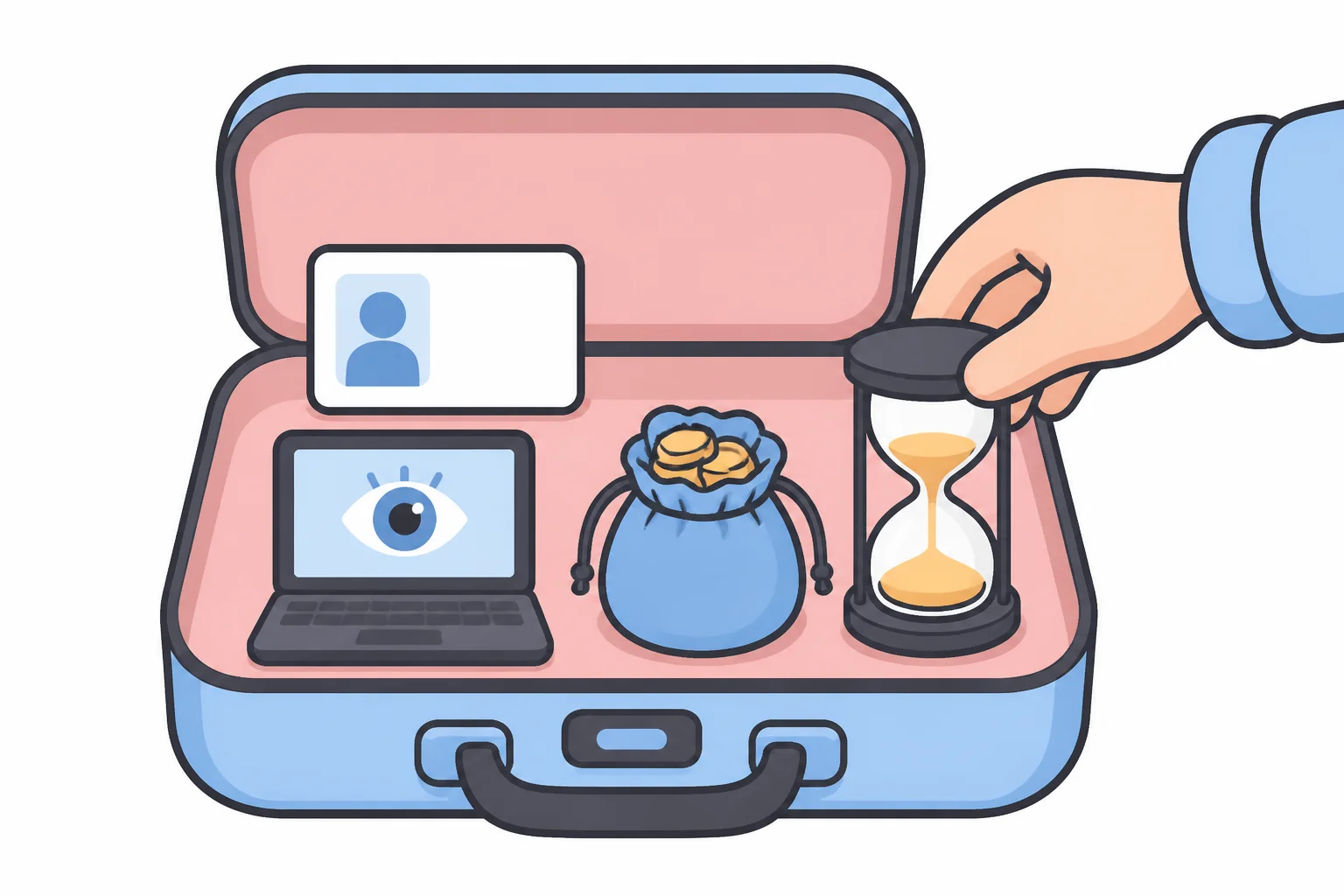
- A KuCoin account with identity verification, Google two-factor authentication and a trading password. Identity verification (KYC) has been mandatory for new users since 2023-08-31, and creating an API key asks for your trading password, an email code and a Google Authenticator code. If you don’t have an account yet, our KuCoin review walks through registration step by step.
- Python 3 on any machine that can stay online while your bot runs. The
snippets here use only the
requestslibrary. - A small amount of capital you can afford to lose. KuCoin has no practice environment, so your first real order will be live — but KuCoin’s minimum order value is very low — 0.1 USDT of value on every USDT pair on 2026-08-18 — so “live” can mean cents.
- An hour or two. Everything in this guide can be completed in one sitting.
This guide works with spot trading throughout. KuCoin Futures is a separate API tree with its own base URL and symbols, and leverage plus unattended code is a combination to grow into, not start with.
Understanding the KuCoin API

An API (application programming interface) is simply a way for your program to talk to KuCoin’s servers directly — the same actions you perform in the app (check a price, place an order, read your balance), but issued by code as HTTPS requests and answered in machine-readable JSON.
The official documentation lives at www.kucoin.com/docs-new — the old
docs.kucoin.com addresses now redirect there, and endpoints KuCoin no longer
recommends are collected in a directory literally called “Abandoned Endpoints”
(the old spot order endpoint POST /api/v1/orders is one of them; many
tutorials still teach it). The docs are split by account model before
anything else: a UTA section for the Unified Trading Account (also called
the Pro API), which KuCoin launched in 2026 for VIP 2 and above and describes as
a limited beta, and a Classic section for everyone else. If you never
switched account modes, you have a Classic account, and this guide uses the
Classic API throughout.
Two interfaces matter for a first bot:
- REST API (
https://api.kucoin.com) — classic request/response. You send one HTTPS request per action. This is where beginners start. - WebSocket — a persistent connection over which KuCoin pushes live prices to you instead of your code asking again and again. The docs recommend it outright for real-time data; plan to adopt it as your bot matures.
Public market data needs no API key at all. This works from any terminal, with no account:
curl -s "https://api.kucoin.com/api/v1/market/orderbook/level1?symbol=BTC-USDT"Responses — success or error alike — arrive in the same envelope, and the
field that tells you what happened is code, not the HTTP status:
{"code": "200000", "data": {"price": "64153.9", "bestBid": "64153.9", "bestAsk": "64154", ...}}"200000" means success; anything else is an error code — and, verified live
while writing this, some errors arrive with HTTP 200, so checking code on
every response is the single most useful habit for a KuCoin bot. Note the
symbol format too: hyphenated and uppercase, BTC-USDT.
On cost: there is no separate charge for API access — orders placed through the API pay the same trading fees as orders placed on the website. On spot that is 0.1% maker / 0.1% taker at the base fee level. (A maker order rests on the order book; a taker order fills against it.) Worth internalizing early: at 0.1% per side, a full round trip costs about 0.2% before any price movement, and a bot that trades frequently pays that 0.2% again on every round trip. Fee drag is a structural cost of automation, not an afterthought.
Bookmark the official documentation. This guide follows it, and you will need it as a reference once your bot grows beyond the basics.
Creating your KuCoin API key, safely

This is the most important step of the setup. An API key is a credential that can trade your funds, so set its permissions carefully before writing any bot code.
Log in on the web, click the avatar and go to API Management → Create API. KuCoin offers two key types at this point: API Trading — the one for your own code — and Link Third-Party Applications, a restricted key for hosted bot platforms (KuCoin states it cannot withdraw and needs no IP address of yours). Choose API Trading, give the key a name and type an API passphrase — a third credential of your own choosing. Confirm with your trading password, an email code and a Google Authenticator code.
Three values, shown once. KuCoin then displays the Key, the Secret and your Passphrase. Its Help Center is explicit that “these three pieces of information can not be recovered once lost” — lose one and you create a new key. Never hardcode them in your script: keep them in environment variables or a config file excluded from version control, as the code below does.
Set permissions to the minimum. KuCoin scopes keys by product line: General (read-only — balances, order history), Spot, Margin, Futures, Earn, Withdrawal and FlexTransfers (moving funds between your own accounts), among others. For a spot bot you need exactly General + Spot. Leave everything else off — and above all leave Withdrawal off. It is the only permission that can move funds out of the exchange, no trading bot needs it, and KuCoin’s own docs warn that with it “you can use the API to transfer money without email verification or Google verification”. With withdrawals off, a leaked key can place bad trades inside your account, which is painful; it cannot drain your wallet to an attacker’s address.
Restrict the key to your IP — there is a 30-day rule attached to it.
KuCoin’s Help Center states that API keys with spot, margin or futures trading
permission “but not linked to an IP address will be automatically deleted or
have their trade permissions disabled after 30 days of inactivity”; only
General-only keys are exempt. Withdrawal and FlexTransfers cannot even be
enabled without an IP whitelist. On a server or VPS (virtual private server)
with a static address, IP restriction is simply the right setting; on a home
connection whose address rotates, a restricted key locks you out the day your
provider reassigns it (error 400006), so use a machine with a fixed address
for anything unattended.
Key version. Every key created today is version 3, and your code must
say so in the KC-API-KEY-VERSION: 3 header. Version 2 keys were invalidated
in August 2024 (version 1 was retired back in 2021); if an older tutorial tells you to send version 2 or
the passphrase in plain text, that is the reason it fails (400008 and
400004). Two smaller points: KuCoin runs regional sites (Europe, Turkey,
Australia, Thailand) whose keys do not work on the global API — the error text
“The API key does not exist or site mismatch” (400003) names that case — and
if you use sub-accounts, each can hold its own API keys but cannot withdraw.
The full key detail — including the endpoint that reads a key’s actual
permissions back — is in the authentication section of our
KuCoin API guide.
Start with the smallest possible order — KuCoin has no testnet

Many exchanges give bot builders a sandbox. KuCoin used to: a separate sandbox
site and API host with play money. It delisted the sandbox on 2023-07-10,
the old hosts (sandbox.kucoin.com, openapi-sandbox.kucoin.com) no longer
resolve, and the current documentation does not mention one. Any tutorial or
library that offers a sandbox=True switch, or talks about a “KuCoin testnet”,
predates that change.
Three things take its place, and together they cover the whole first-bot path:
- Public data needs no key. Prices, candles, symbol rules and the public WebSocket all work without an account. Half of a bot — reading the market — can be built and run before you create a key.
- The order-test endpoint.
POST /api/v1/hf/orders/testtakes exactly the same parameters as a real order, checks your signature and parameters, and never sends the order to the matching engine. It needs a real key, so it proves your authentication and request shape — the two things that fail most — without trading. It does not check balances or simulate fills. - The tiniest live order. KuCoin’s minimum order value (
minFunds) was 0.1 USDT on every USDT pair on 2026-08-18. A first real order can be a limit order worth well under a dollar, resting below the market where it will not fill — a rehearsal that costs nothing unless you let it execute.
So the practice routine on KuCoin is: run the public snippets → create a key →
GET /api/v1/user/api-key to prove the signature → the order-test endpoint →
one tiny resting limit order → cancel it. Everything in the next section
follows that order, and everything after the key requires funds to be in the
right place, which is its own trap: deposits land in the Funding account
and spot orders draw from the Trading account, so a transfer sits between
depositing and trading. Do that once in the web UI (Assets → Transfer) or with
the transfer endpoint in the API guide.
Placing your first order with Python
The snippets below use plain Python with the requests library, so you can see
exactly what any SDK (software development kit) does under the hood. Install it
first:
pip install requestsWhen you want a higher-level interface later, KuCoin’s official SDK is the
KuCoin Universal SDK (pip install kucoin-universal-sdk, also available
for Node.js and Go), maintained on the official Kucoin GitHub organization.
Note that the older kucoin-python-sdk repository is archived; a search for
“kucoin python sdk” still lands on it.
Reading a price needs no authentication:
import requests

t = requests.get("https://api.kucoin.com/api/v1/market/orderbook/level1",
                 params={"symbol": "BTC-USDT"}).json()
print(t["code"], t["data"]["price"])
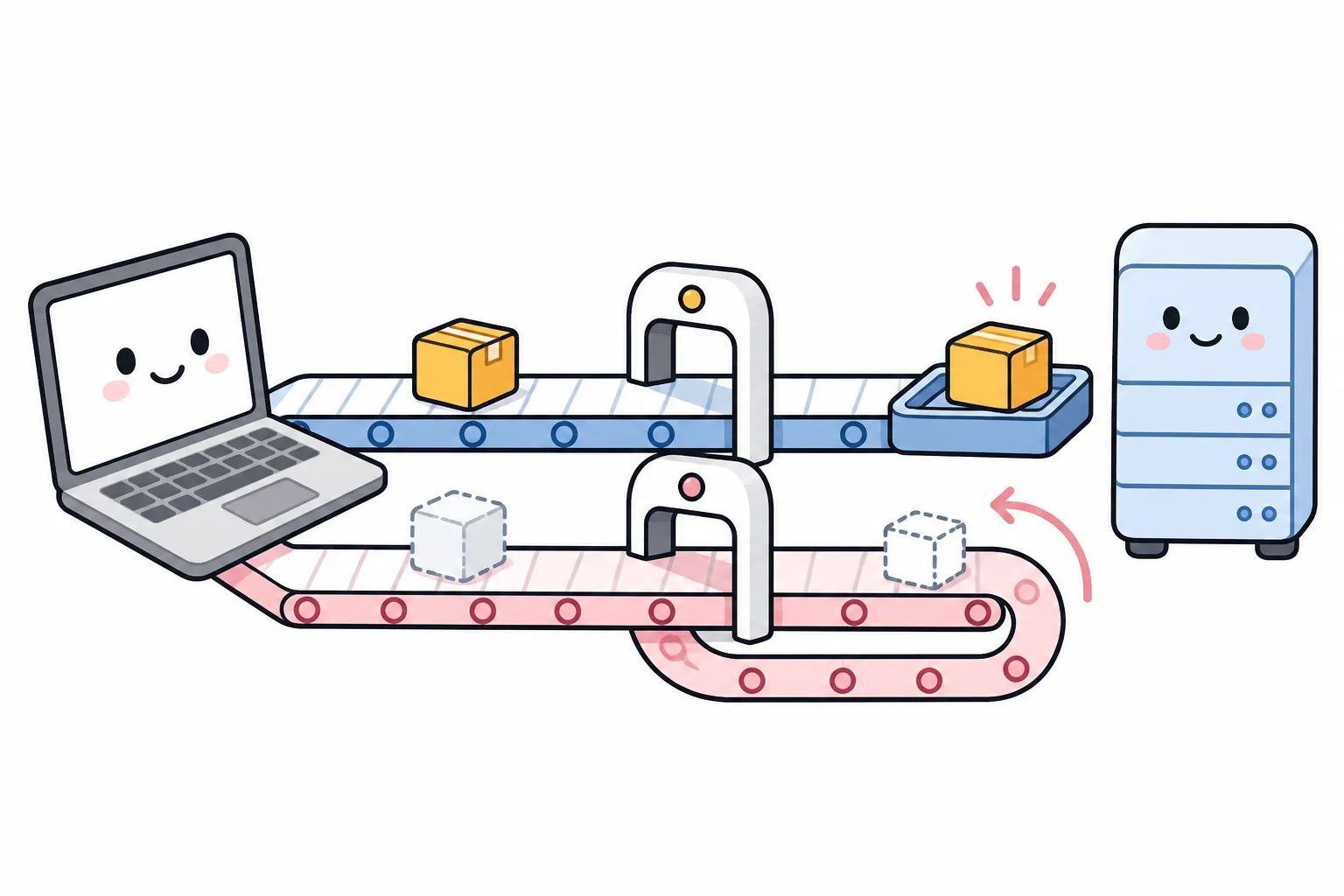
Anything touching your account is a signed request. KuCoin’s scheme puts
everything in headers: your key, a millisecond timestamp, a signature, your
signed passphrase and the key version. The signature is base64 (a text-safe
encoding of binary data) of an HMAC-SHA256 (a hash computed with your secret)
over the string
timestamp + METHOD + path + body, and the passphrase header is the same
HMAC applied to your passphrase — never the plain text. Two details in this
code prevent the most common signature bugs: the JSON body is serialized once,
without spaces, and the same bytes are signed and sent (a single spacing
difference means 400005 Signature error); and the result is base64, not
hex. The helper also raises on any code other than "200000", because a
KuCoin error can arrive with HTTP 200:
import base64, hashlib, hmac, json, os, time, uuid
import requests

BASE = "https://api.kucoin.com"    # one host — there is no sandbox
KEY = os.environ["KUCOIN_KEY"]
SECRET = os.environ["KUCOIN_SECRET"]
PASSPHRASE = os.environ["KUCOIN_PASSPHRASE"]   # the one you typed at creation

def _b64_hmac(message):
    return base64.b64encode(
        hmac.new(SECRET.encode(), message.encode(), hashlib.sha256).digest()).decode()

def signed(method, path, body=None):
    payload = json.dumps(body, separators=(",", ":")) if body is not None else ""
    ts = str(int(time.time() * 1000))
    headers = {
        "KC-API-KEY": KEY,
        "KC-API-SIGN": _b64_hmac(ts + method + path + payload),
        "KC-API-TIMESTAMP": ts,
        "KC-API-PASSPHRASE": _b64_hmac(PASSPHRASE),
        "KC-API-KEY-VERSION": "3",
        "Content-Type": "application/json",
    }
    r = requests.request(method, BASE + path, headers=headers, data=payload or None)
    out = r.json()
    if out.get("code") != "200000":
        raise RuntimeError(f"KuCoin HTTP {r.status_code} code {out.get('code')}: {out.get('msg')}")
    return out["data"]

info = signed("GET", "/api/v1/user/api-key")
print(info["apiVersion"], info["permission"], info["ipWhitelist"])
If that prints 3 and a permission list containing General and Spot,
your key, secret, passphrase and signing code are all correct. (Note that
path includes any query string, un-encoded, when you sign a call that has
one — /api/v1/accounts?type=trade, for example.)
Why first orders get rejected: per-symbol constraints. Before an order
reaches the matching engine, KuCoin validates it against per-symbol rules
published at GET /api/v2/symbols/{symbol} — no key needed. BTC-USDT’s values
as retrieved on 2026-08-18:
| Constraint | Rule on BTC-USDT | What it rejects |
|---|---|---|
minFunds | order value ≥ 0.1 USDT | an order whose price × size is below that (also enforced when a stop order triggers) |
baseIncrement | size in steps of 0.00000001 BTC | the unrounded float you got from usdt_amount / price |
priceIncrement | price in steps of 0.1 USDT | limit prices with more than 1 decimal |
baseMinSize | size ≥ 0.00001 BTC | sizes below the minimum quantity |
These numbers are per-symbol and the docs say increments “may be adjusted in
the future” — have your bot read them at runtime rather than hardcoding them
from any article, including this one. Two more things that reject first orders
and have nothing to do with the rules: funds sitting in the Funding account
instead of the Trading account (Insufficient balance), and a symbol written
without its hyphen (900001, “symbol does not exist” — which, as noted, comes
back with HTTP 200).
Market buys: funds, not size. On a spot market buy you may give
either size (an amount of the coin) or funds (an amount of USDT to spend),
exactly one of the two. funds is the beginner-friendly form — “spend 1 USDT”
— and avoids the quantity-rounding questions above. The worked example below
uses a limit order instead, because it can rest below the market without
filling, which makes it a rehearsal rather than a trade — the closest thing to
a sandbox KuCoin offers.
# continuing in the same file
order = signed("POST", "/api/v1/hf/orders/test", {     # dry run: validates, never executes
    "clientOid": str(uuid.uuid4()),
    "symbol": "BTC-USDT",
    "side": "buy",
    "type": "limit",
    "price": "60000",        # a few percent below the live price, so a real order would rest
    "size": "0.00001",       # baseMinSize on BTC-USDT; ~0.6 USDT at that price
    "timeInForce": "GTC",    # Good-Till-Canceled: rests until filled or canceled
})
print(order)                 # {'orderId': '...', 'clientOid': '...'} — accepted, not placed

# same request, real endpoint: the order goes to the book
order = signed("POST", "/api/v1/hf/orders", {
    "clientOid": str(uuid.uuid4()),
    "symbol": "BTC-USDT", "side": "buy", "type": "limit",
    "price": "60000", "size": "0.00001", "timeInForce": "GTC",
})
status = signed("GET", f"/api/v1/hf/orders/{order['orderId']}?symbol=BTC-USDT")
print(status["active"], status["inOrderBook"], status["dealSize"])
Note that every numeric value is sent as a string — that is what the API
expects, and it also keeps float formatting from silently violating the
precision rules. clientOid is your own ID for the order (a UUID — a random identifier that
is practically guaranteed unique); the current endpoint does not require it,
but you will meet it again in the next section as the key to safe retries. If the response comes back with an orderId, the
order was accepted; the status call should show active: true and
inOrderBook: true — resting, unfilled. Cancel it in the web UI or with
DELETE /api/v1/hf/orders/{orderId}?symbol=BTC-USDT (the query string is part
of the signed path). This is the same request a production bot sends.
Copy-paste code for every other common operation — market orders, cancels,
balances, deposits, withdrawals, transfers and WebSocket streams — is collected
in our KuCoin API guide.
From script to bot: running it unattended

A script becomes a bot when it runs in a loop unattended. Four mechanics keep an unattended process running reliably:
- The loop. Fetch data → decide → (maybe) order → sleep → repeat. Start with a generous interval; a bot that acts once a minute is far easier to debug and stays far away from rate limits.
- Expect disconnection. When you move from REST polling to the WebSocket
feed, KuCoin’s connection is designed to end: the token you connect with is
valid for 24 hours and a connection is expected to be dropped after 24
hours, and you must send KuCoin’s JSON
pingeverypingInterval(18 seconds when checked) or be disconnected sooner. Reconnect logic — fetch a new token, reconnect, resubscribe — is mandatory, not optional; a bot that assumes an eternal connection is the classic bot that “mysteriously stopped working”. - The dangerous retry. If an order request times out, the execution status
is unknown — the order may well have gone through. Blind retries can
double-buy. This is what
clientOidis for: because you named the order yourself, you can query it by that id (GET /api/v1/hf/orders/client-order/{clientOid}?symbol=…) and find out what happened; and KuCoin rejects a repeatedclientOid(102426), so a retry with the same id cannot place a second order. On any ambiguous failure: query first, then decide. - Log everything, and give yourself a kill switch. Write every decision and
every response to a log file, and keep a manual way to stop the bot and
cancel open orders immediately (
DELETE /api/v1/hf/orders?symbol=…per symbol, orDELETE /api/v1/hf/orders/cancelAll). KuCoin also offers a server-side safety timer,POST /api/v1/hf/orders/dead-cancel-all, which cancels your orders automatically unless your bot keeps renewing it — useful for exactly the case where the bot itself has died.
The trading logic itself — when to buy and when to sell — is out of scope for this guide. Get the mechanics above working with tiny orders first — infrastructure failures cost money regardless of how good the strategy is, so this layer deserves to be solid before any strategy complexity is added.
KuCoin rate limits and common errors
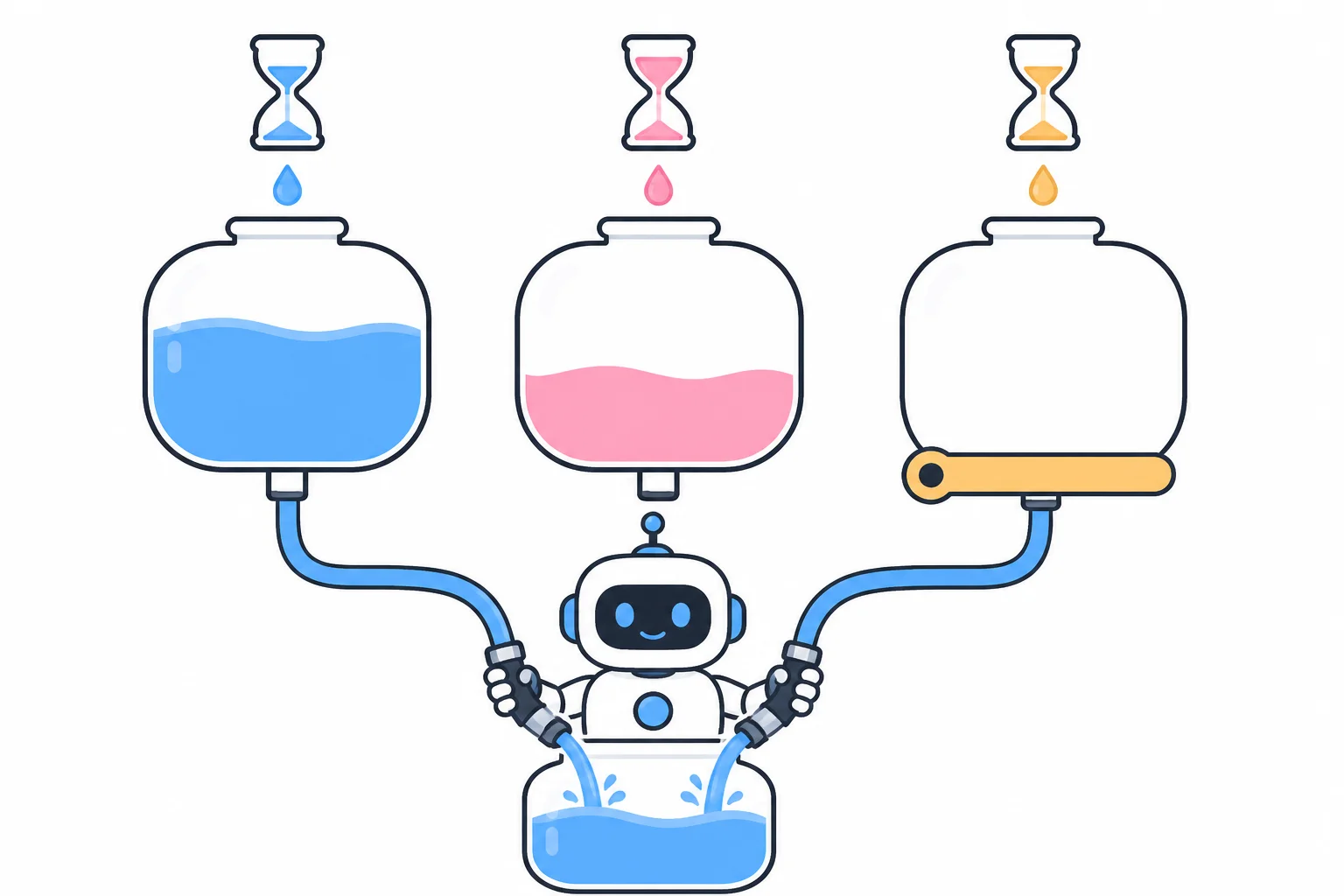
KuCoin meters API usage by weight against resource pools that refill
every 30 seconds — not by requests per second, and not per endpoint (older
articles describing per-endpoint limits and Cloudflare-style bans describe the
previous scheme). At the base VIP level a spot bot has a Spot pool of 4,000
weight per 30 seconds for orders and order queries, a Management pool of
2,000 for balances and transfers, and a Public pool of 2,000 per 30 seconds
per IP for market data. Every endpoint page states its weight — placing an
order costs 1, reading balances 5 — and every response tells you where you
stand in three headers: gw-ratelimit-limit, gw-ratelimit-remaining and
gw-ratelimit-reset (a countdown in milliseconds). Exceed a pool and you get
HTTP 429 with code 429000; wait out the reset value. KuCoin also returns
429000 under server overload, without those headers — KuCoin’s general advice
when rate-limited is to retry with growing intervals (1 s, 2 s, 4 s), never in
a tight loop.
A first bot polling every few seconds is nowhere near any of these numbers.
What actually trips them is a retry loop with no delay — an error handler
that immediately re-sends a failing request, hundreds of times per second.
Treat a 429000 as a bug report about your loop, and always retry with a
waiting period (and give up after a few attempts).
The errors every beginner meets, in rough order of appearance:
| Error | Meaning | Usual cause & fix |
|---|---|---|
400001 | auth header missing | one of KC-API-KEY / KC-API-SIGN / KC-API-TIMESTAMP / KC-API-PASSPHRASE is absent (a missing Content-Type surfaces as 415000 instead) |
400003 | key does not exist or site mismatch | typo, deleted or expired key, or a regional-site key on the global API. Not a signing problem — KuCoin checks the key exists before checking the signature |
400002 | timestamp invalid | your clock is off by more than about 5 seconds — sync it (NTP, automatic clock synchronization), and compare against GET /api/v1/timestamp (no key needed) |
400004 | passphrase error | the header must be base64(HMAC-SHA256(secret, passphrase)), not the plain passphrase |
400005 | signature error | the string you signed isn’t the string you sent — same method case, same un-encoded query, same body bytes, same timestamp as the header |
400006 | IP not on the whitelist | your address changed, or the server’s address isn’t on the key |
400007 | access denied | the key lacks the permission the endpoint needs — for orders, Spot |
400008 | V1/V2 key no longer supported | create a V3 key and send KC-API-KEY-VERSION: 3 |
400100 | parameter error / insufficient balance | round to the symbol’s increments, clear minFunds, or move funds Funding → Trading |
900001 | symbol does not exist | write it as BTC-USDT — hyphen, uppercase; note this arrives with HTTP 200 |
102426 | duplicate clientOid | a retry re-used the id — good: query the original order instead |
429000 | rate limit | retry loop without a delay — add backoff and read gw-ratelimit-reset |
One more constraint worth knowing before you rent a server: KuCoin does not
serve every jurisdiction. Its Terms of Use list “Restricted Locations”
including the United States (and its territories), Singapore, mainland China
and Hong Kong, Malaysia, Kazakhstan, Uzbekistan, Ontario and British Columbia
in Canada, France and the Netherlands, among others — and the API enforces
regional rules with its own codes (400301, 400302, and 400500 for a
token not tradable in your KYC region). A bot running from a restricted region
hits the same wall the app would. Factor your server’s location and your own
eligibility in from the start.
Security and risk checklist
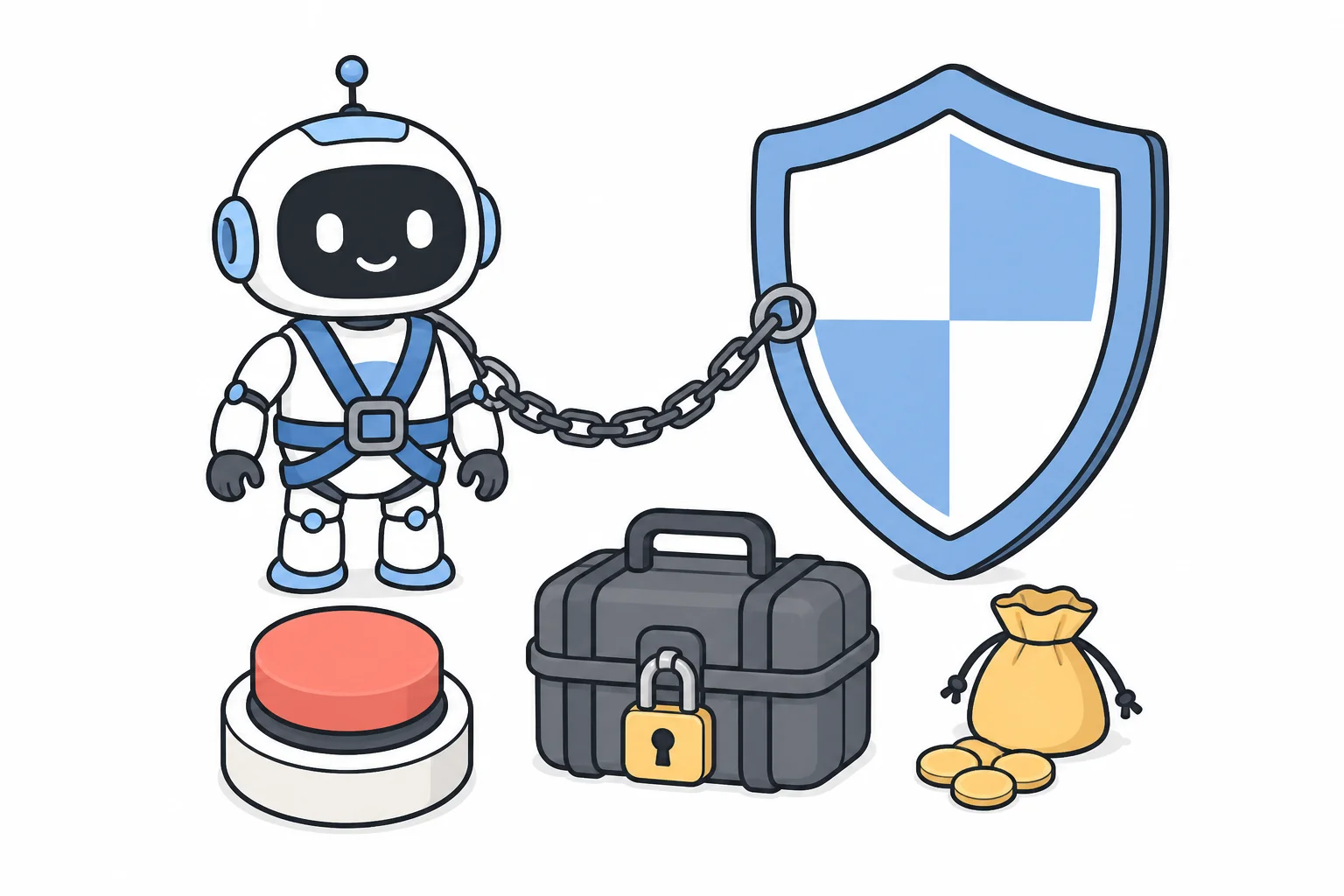
Two kinds of risk apply here, and they are different. Market risk comes first: a bot that works perfectly can still lose money, because the strategy itself can be wrong — and automation executes losses at the same speed as gains, with no pause for judgment while it runs unattended. KuCoin’s own bot FAQ puts it plainly for its grid product: when the grid profit cannot cover the floating loss, “you would get loss”. The same arithmetic applies to any bot. Operational risk — bugs, leaked keys, outages — is what the checklist below addresses. Passing the checklist protects you from the second kind only.
Run down this list before your first live order:
- Withdrawal permission is off on the bot’s key, and FlexTransfers too unless the bot must move funds between your accounts
- The key is IP-restricted to the machine that runs the bot (which also removes the 30-day inactivity deletion)
- The key, secret and passphrase live in environment variables / untracked config — not in the code, not in a repository
- This key is never pasted into a third-party website or service — if you do use a hosted platform, give it a Link Third-Party Applications key, not your trading key
- The bot logs every action, and you can stop it and cancel all orders in seconds
- The account holds only what the bot is allowed to lose — keep the rest in the Funding account, out of the bot’s reach
- You have decided in advance how much loss makes you stop the bot
The underlying principle is worth stating plainly: an automated order executes without anyone reviewing it, and a logic bug repeats its mistake at machine speed for as long as the loop runs. The permissions on the key are what cap the damage. No bot is profitable by itself. KuCoin’s official SDK ships with a disclaimer that says as much: “Trading cryptocurrencies involves substantial risk, including the risk of loss … Users should assess their financial circumstances and consult with financial advisors before engaging in trading.” Start with the order-test endpoint and a resting order worth cents, keep your first real fills small, and increase size only after the bot has run correctly over time.
Conclusion and next steps
This guide covered the full setup path: the three automation routes on KuCoin, creating a three-part API key with minimal permissions and an IP restriction, practicing without a sandbox — public data, the order-test endpoint, and a tiny resting order — placing a limit order that clears the per-symbol constraints, and running the script as a loop that handles the 24-hour WebSocket lifetime and ambiguous failures. This is the infrastructure layer of automated trading — the prerequisite for everything a bot does.
Next steps: run everything in this guide today, in the order the practice section gives. When you go live, keep the first order small — a limit order sized the way the worked example shows, comfortably above the 0.1 USDT minimum value, resting below the market until you choose to let it fill. The checklist above clears the operational risks; the market risk is yours to size for. If you still need a KuCoin account, our KuCoin review covers registration, fees and features in detail. For working code covering every common API operation beyond this first order — market orders, cancels, balances, deposits, withdrawals, transfers and WebSocket streams — see our KuCoin API guide.
All API facts verified against official KuCoin documentation on 2026-08-18,
with live endpoint values checked the same day. Rate limits, constraints and
fees change — always confirm current values via GET /api/v2/symbols/{symbol},
the rate-limit page and the official fee schedule.
Frequently asked questions
Does KuCoin have a built-in trading bot?
Yes — KuCoin Trading Bot is a free, no-code product inside the app and website, with grid, DCA, rebalancing and Martingale strategies, AI-assisted variants and futures versions. This guide covers the other route: building your own bot with the API.
Can I run KuCoin's built-in trading bots through the API?
No. KuCoin's Trading Bot FAQ states that it is currently not possible to run the trading bots through the API. The built-in bots and the API are separate products; a bot you write yourself places ordinary spot orders through the API.
Is the KuCoin API free to use?
There is no separate charge for API access and keys are self-service. You pay the same trading fees as manual trading — 0.1% maker and 0.1% taker on spot at the base fee level.
Does KuCoin have a testnet or sandbox for practicing?
Not any more. KuCoin delisted its sandbox on 2023-07-10 and the old sandbox hosts no longer resolve. Practice instead with keyless public data, the order-test endpoint (POST /api/v1/hf/orders/test, which validates a real request without executing it), and a first live order at the minimum size — 0.1 USDT of value on USDT pairs.
Are trading bots allowed on KuCoin?
Automated trading through the API is an officially provided product: KuCoin publishes the API, maintains an official SDK and markets API trading on its own developer page. The Terms of Use restrict who may use KuCoin at all (residents of the United States, Singapore, mainland China and Hong Kong and several other listed locations are excluded), and those rules apply to bots as much as to manual trading.
What is the KuCoin API passphrase?
A third credential you choose yourself when creating a key, alongside the key and secret KuCoin generates. It is never sent as plain text: current (V3) keys send base64(HMAC-SHA256(secret, passphrase)) in the KC-API-PASSPHRASE header. All three values are shown once and cannot be recovered.
Are trading bots profitable?
A bot executes a strategy; it does not supply one. Whether it makes money depends entirely on the strategy and how it is operated. Be cautious of any product that claims guaranteed profits.