Python is the usual language for crypto trading bots, and a beginner needs less of it than expected: one current install, a virtual environment, three or four libraries, and a script of a few dozen lines that fetches prices, applies a rule, and places an order. This guide is the Python side of building a bot: what to install, which library does which job, what the minimal bot looks like, whether Python is fast enough, and what to check before running free bot code from the internet. It is for someone who has decided to build rather than buy and has never set up Python before. The build path as a whole (choosing a market, creating exchange keys, testing with fake money, going live small) is the guide above this one; this article sits under it.
Why do people use Python for trading bots?
For three practical reasons.
Python is quick to read and quick to change. The official Python tutorial describes it as an interpreted language, meaning you edit the file and run it with no compile step in between, and says its programs are “typically much shorter than equivalent C, C++, or Java programs.” A bot is a program you edit every time a rule changes, so a language you can edit and rerun in seconds fits the job.
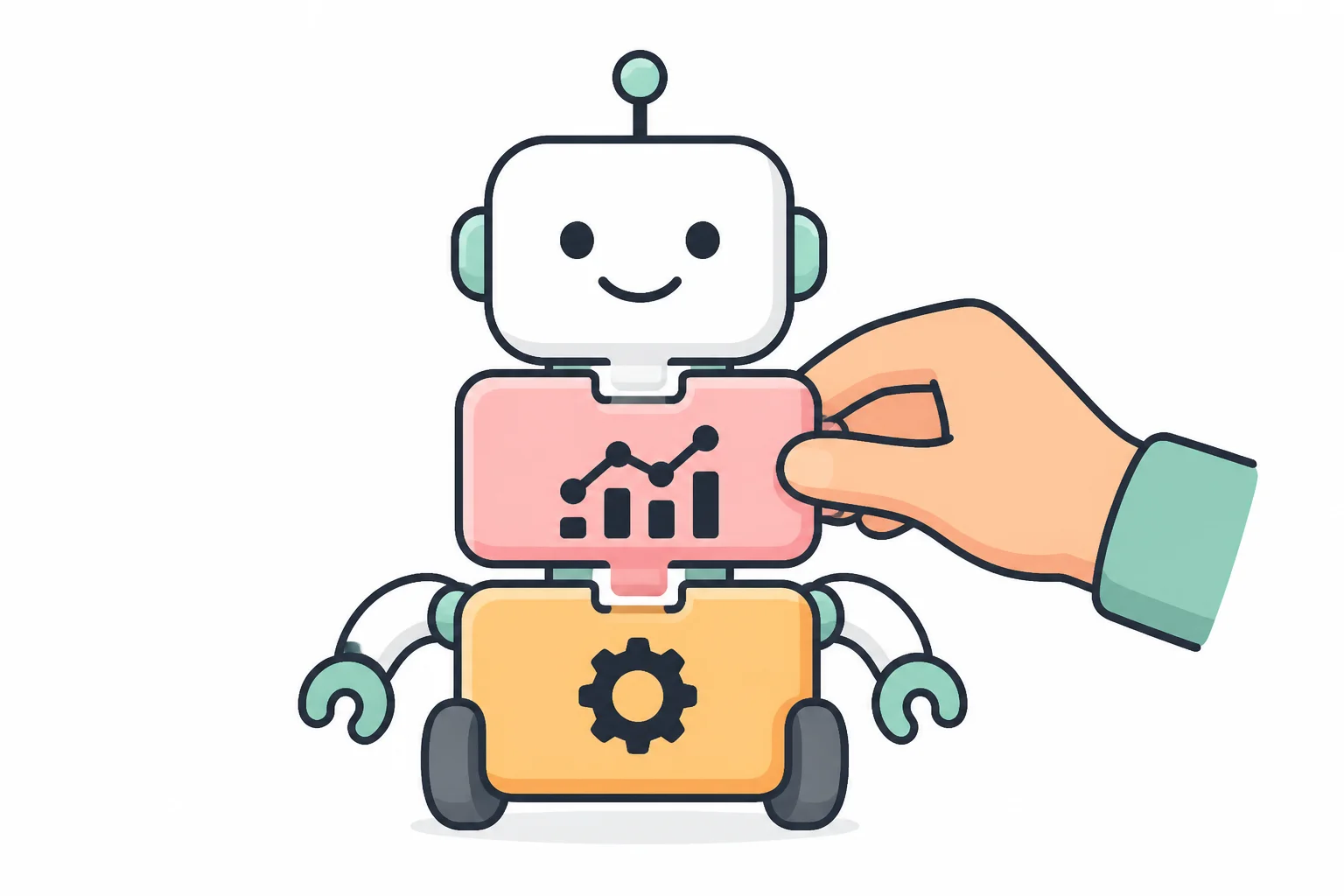
The parts a bot needs already exist as free libraries: one talks to more than 100 exchanges through the same commands, another turns price history into a table you can do math on, and Python’s own standard library covers logging, dates, and settings (“batteries included,” in the tutorial’s words).
And Python is one of the most widely used languages, so examples and answers are easy to find: in the Stack Overflow 2025 Developer Survey, 57.9% of respondents reported using Python, and the TIOBE index for 2026-08 ranks it first, with TIOBE’s own caveat that its index measures popularity, not which language is best.
What Python does not do is make a bot profitable. Whether bots make money at all has its own guide in this series, and a bug or a leaked exchange key loses money at the same speed in every language.
What do you install first to set up Python for a trading bot?
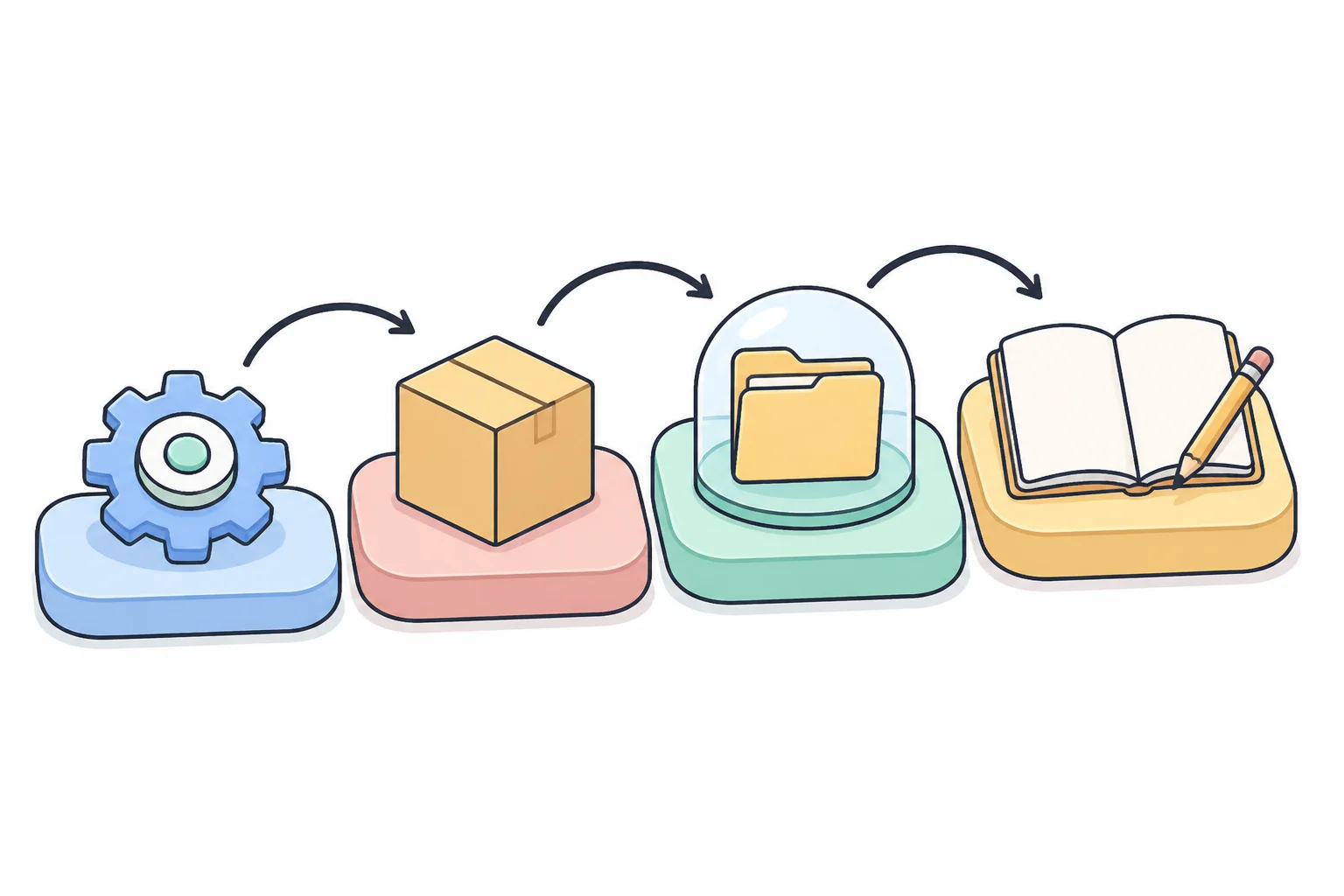
You set up four things, in this order, and all of them are free.
Python itself, a current version. python.org offers installers for Windows and macOS. Each version is supported for five years; as of 2026-08-18 the fully supported versions are 3.13 and 3.14, 3.10 through 3.12 receive security fixes only, and 3.9 and older are end-of-life. Pick 3.13 or 3.14. On some systems the command is python3 rather than python.
pip, which comes with it. pip is Python’s package installer, included with the python.org installers. python -m pip install pandas fetches pandas from the Python Package Index (PyPI), a public repository of open-source packages; pandas==3.0.5 would pin one exact version, so a library update cannot change the bot’s behavior behind your back.
A virtual environment for the project. A virtual environment is a folder with its own set of installed packages, so what you install for one project cannot break another. Create it inside the project folder with python -m venv .venv, then activate it with source .venv/bin/activate on macOS or Linux or .venv\Scripts\activate on Windows; everything pip installs afterwards lands in that folder, and deleting the folder gives a clean start. On many Linux systems pip refuses to install into the system Python unless a virtual environment is active (a rule called PEP 668); that error is a nudge, not a fault.
Somewhere to write code. Any code editor works. A Jupyter notebook (pip install notebook, then jupyter notebook) runs code one cell at a time in the browser and shows the table or chart under it, which suits exploring price data; the bot itself stays a plain .py file, because it must run unattended and a notebook does not.
Which Python libraries do trading bots use?
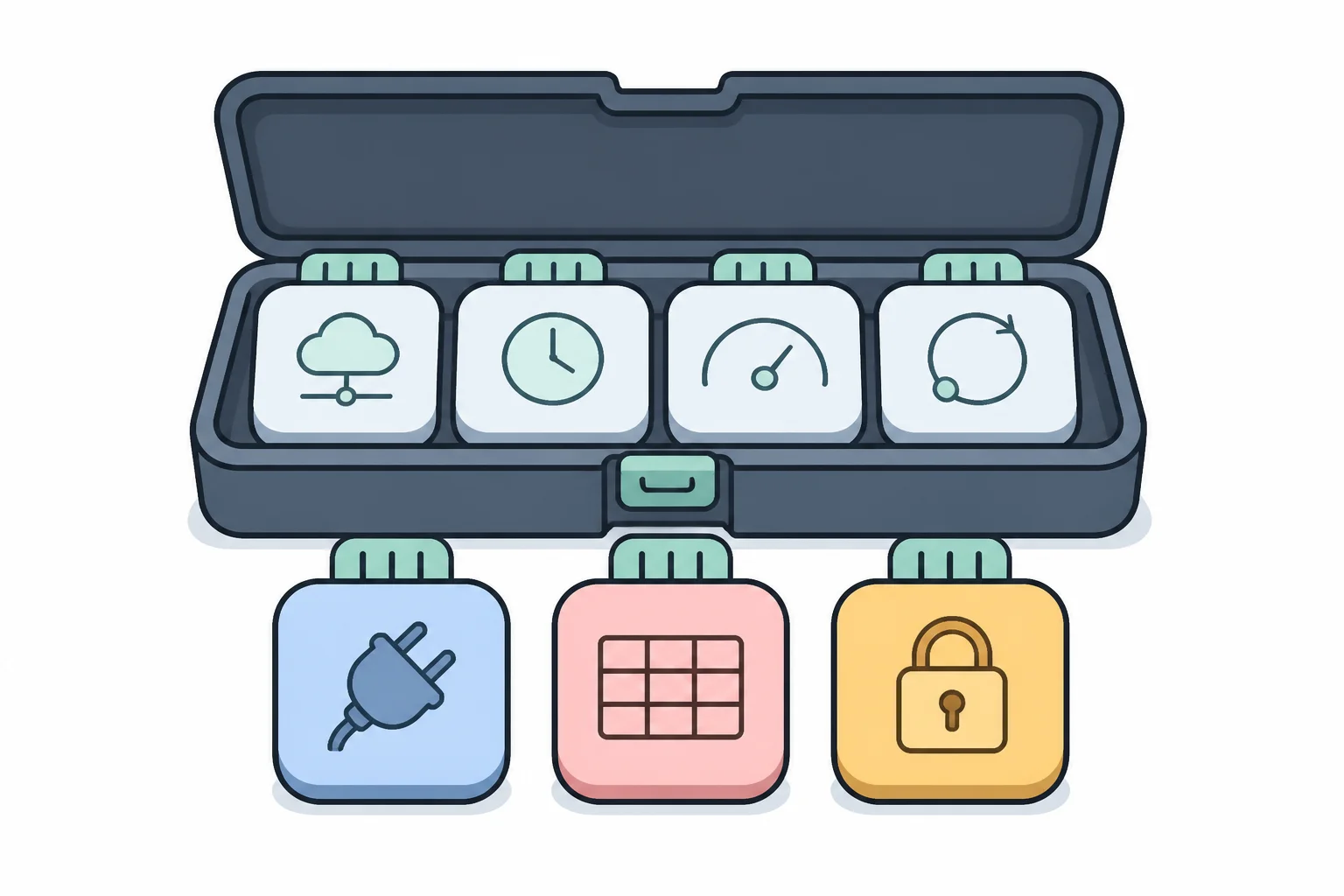
A bot needs seven jobs done, each with a few standard choices; the names are what you type after pip install.
- Talking to the exchange:
ccxt. A free, open-source (MIT license) library that connects to more than 100 exchanges (103 at the time of writing) through one set of commands, sofetch_ohlcvfetches candles (a candle packs one time slice of the price into its open, high, low, close, and traded volume: the OHLCV of the name) and, for example,create_orderplaces an order with the same commands on the exchanges it supports. An exchange’s API (application programming interface: the commands it accepts from programs) delivers data two ways, REST, where the bot asks and the exchange answers, and WebSocket, where a connection stays open and the exchange pushes each update; ccxt covers both, the WebSocket side being its “Pro” part in the same package. Many exchanges also publish an official Python SDK (software development kit) on GitHub, installable with pip. - HTTP and WebSocket by hand. Usually hidden under the exchange library:
requestsfor plain HTTP calls (the request-and-answer protocol a browser uses),httpxfor HTTP in synchronous or asynchronous style (asynchronous meaning one program can wait on several connections at once),aiohttpfor asynchronous HTTP plus WebSocket, andwebsocketsfor WebSocket connections on Python’sasyncio. - Tables and math:
pandasandnumpy. pandas gives you the DataFrame, a table with named columns; price history becomes one row per candle, and a 20-candle moving average is one line,df["close"].rolling(20).mean(). NumPy is the fast array library underneath. - Secrets and settings:
python-dotenv. It reads key-value pairs from a.envfile into environment variables, so the exchange key never appears in the code andos.getenv("API_KEY")fetches it at run time. The.envfile stays out of version control. - Logging, time, JSON: nothing to install. The standard library ships
logging,time,datetime, andjson(the text format exchange APIs speak). Keeping a bot alive around the clock, and the logging routine that goes with it, is covered in the production guide. - Indicators:
TA-Libor plain pandas. TA-Lib wraps a C library with 150+ indicators (RSI, MACD, Bollinger Bands, and so on); its snag is that the C library must be installed first or the pip install can fail. pandas-ta is a pandas-based indicator library on PyPI. Many bots need only a moving average and use pandas alone. - Backtesting: a category, not one library. Frameworks such as
backtrader,backtesting(Backtesting.py), andvectorbtreplay a strategy over past candles; how to backtest without fooling yourself is covered in the backtesting guide.
A first bot installs three of these: pip install ccxt pandas python-dotenv.
What does a Python trading bot look like in code?
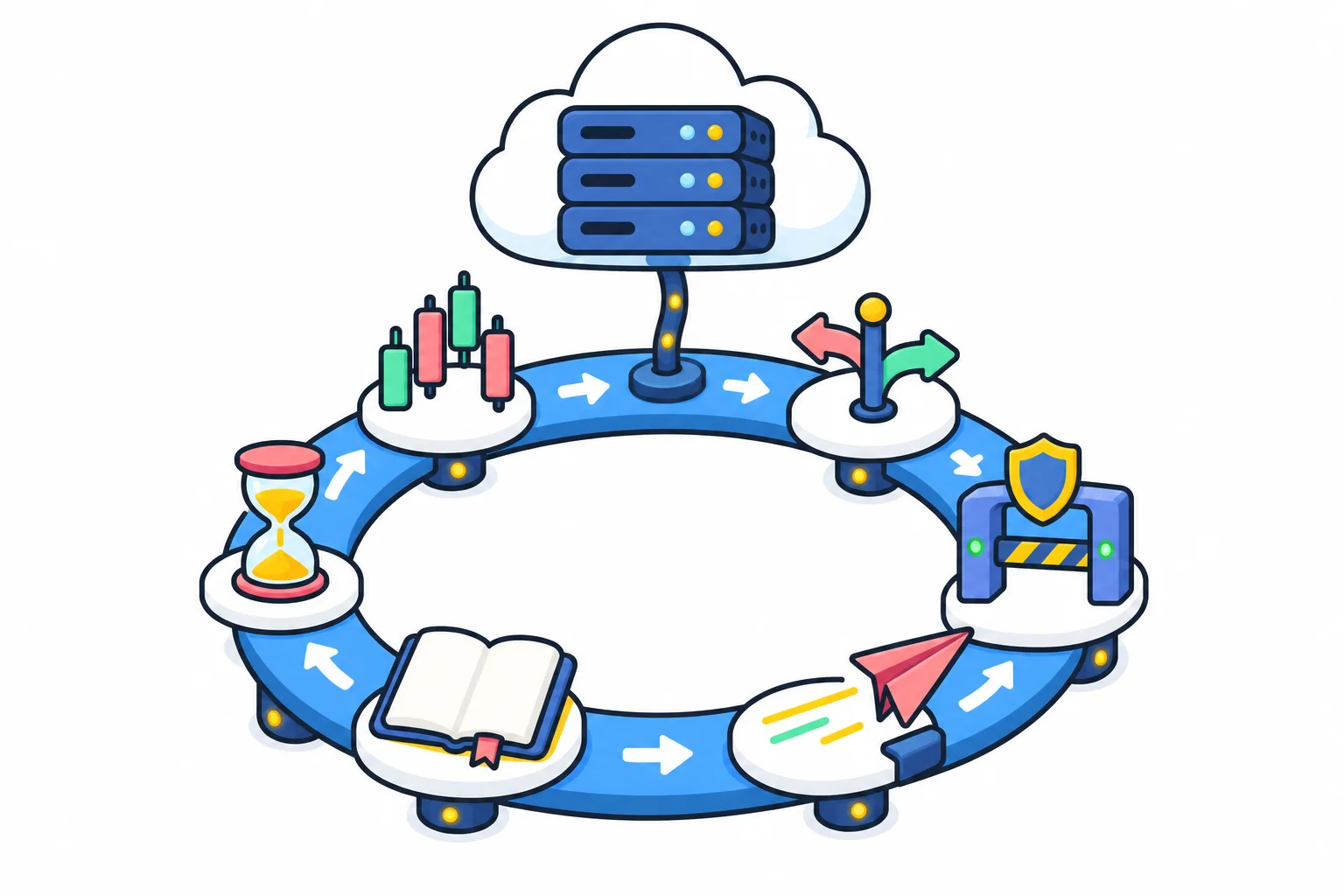
A short loop, with a connection above it. The connection is the part people mean when they search for “Python bot” plus an exchange name: on the exchange website you create an API key and secret, two long strings that let a program act on your account, and put them in .env; leave withdrawal permission off when you create the key. The bot hands them to the library, ex = ccxt.your_exchange({"apiKey": os.getenv("API_KEY"), "secret": os.getenv("API_SECRET")}), where your_exchange is the venue’s identifier in the library; from then on every request that touches your account is signed with those strings, so the exchange sees your account rather than a browser. Then the loop:
while True:
    candles = ex.fetch_ohlcv("BTC/USDT", "1h", limit=200)  # data in
    side = my_rule(candles)                    # "buy", "sell", or None
    if side and within_limits():               # risk check
        ex.create_order("BTC/USDT", "market", side, size)  # order out
    log.info("side=%s", side)                  # write it down
    time.sleep(60)                             # wait, then repeat
my_rule is where the strategy lives and is usually the shortest function in the file. within_limits holds the position-size cap and the one-position-at-a-time check (for position sizing, see the risk management guide). size is the amount to trade, a number you set and cap inside within_limits. create_order is the only line that moves money, and "market" names the order type: a market order fills right away at whatever price the book offers, which usually costs a little more than waiting with a limit order. Make the first runs paper-trading runs, where the bot runs but only pretends to trade: swap that one line for a log message and read what it would have done. log is the standard library’s logging module at work, one line for every pass through the loop. Everything a working bot adds later, such as reconnecting after a network drop, checking whether an order actually filled, and respecting the exchange’s request limits, wraps around this loop rather than replacing it; orders, fills, and rate limits get their own guide.
Is Python fast enough for a trading bot, or do you need Rust?

For almost any bot a beginner would build, yes, because of where the time goes. A bot acting on 1-hour candles sees 24 new candles a day and waits the rest of the time, and even a bot that polls, meaning asks the exchange for a fresh price, once a second spends nearly all of that second waiting rather than computing: first for the answer to cross the internet, then for the next poll. Python is slower than compiled languages such as C++ or Rust at raw computation, but the computation in the loop above is a moving average over 200 numbers, and NumPy does that arithmetic in compiled code, the mechanism the tutorial calls extending Python in C.
The detail people cite is the global interpreter lock (GIL): CPython, the standard Python, lets only one thread run Python code at a time, so one process cannot spread pure-Python work across CPU cores. But the lock is released whenever the program waits on input or output, which is what a bot does most of the time.
The exception is high-frequency trading, where the edge is being fractionally faster than other machines placed next to the exchange’s servers. Those systems are typically written in compiled languages and depend on hardware and market access a retail trader does not have; if a strategy only works when you are faster than everyone else, changing the language would not fix that.
Can you just download a free Python trading bot from GitHub?
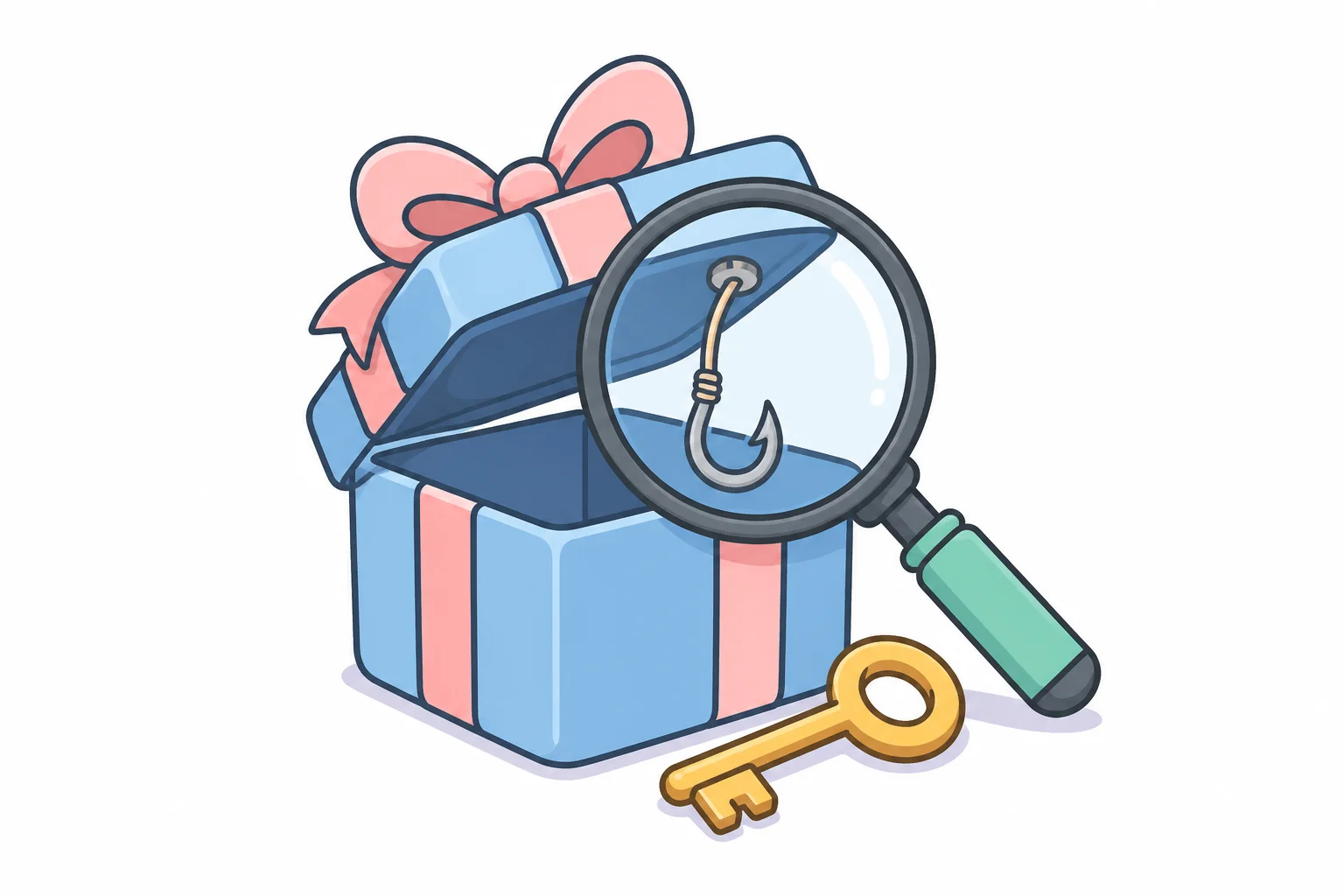
You can, but do not run it until you have read it. GitHub is a public code-hosting site and PyPI is a public index, and both are used to hide malware behind crypto-flavored projects. In 2025 Kaspersky researchers documented “GitVenom”: hundreds of fake GitHub repositories (project pages), including a bot for managing Bitcoin wallets, with polished READMEs (the project’s front-page description, possibly AI-generated) describing features the code did not have. In the Python projects the malicious part sat behind a line of about 2,000 tab characters. The payloads stole saved passwords and wallet data or swapped wallet addresses on the clipboard; one attacker wallet had received about 5 BTC, roughly 485,000 USD at the time of the research. The same year JFrog reported a PyPI package whose name and README claimed to add futures support for one exchange to the popular exchange library and which instead redirected the victim’s trading requests to the attacker’s server, capturing API keys and secrets. PyPI’s own blog calls malware there “a persistent problem.”
The habits that follow: install well-known packages and check the name character by character, because lookalikes ride on popular names; read a downloaded bot’s code before running it, at least every line that touches keys, files, or the network, and treat unreadable blobs, exec, and very long lines as a stop sign; pin versions; and give a bot you did not write only a key that cannot withdraw and an account you can afford to lose. A virtual environment isolates packages, not your machine, so it is no protection against a malicious one.
How much Python do you need to learn first?
Less than a course catalog suggests, and a specific slice: variables; lists and dictionaries (the exchange library returns candles as lists and orders as dictionaries, so order["status"] is a line you will type often); if, for, and while; functions; import; and try/except, which is how a bot survives a network error at night instead of crashing. Add reading a pandas DataFrame and running a script from the terminal, and you can read the loop above and change it. Classes, async, decorators, and type hints can wait; a polling bot needs none of them.
The official tutorial on python.org covers that slice for free, and the Python FAQ answers “Is Python a good language for beginning programmers?” with “Yes.” A general Python book or course serves as well as a trading-specific one, because the trading-specific part is the small part. A chat assistant can write much of the code, as covered in the guide on AI trading bots; how much of its output you can check depends on how much Python you can read.
Once Python is installed and prices print on your screen, the next thing to understand is the market data your bot reads, and that is where the strategy work begins.
FAQ
Do I need to learn async or asyncio to write a Python trading bot?
Not for a first bot. A bot that asks the exchange for prices every minute in a plain loop is ordinary line-by-line Python. Async becomes useful when you subscribe to WebSocket streams or watch many markets at once, because it lets one program wait on several connections without blocking; learn it when you have that problem.
Can I build a trading bot in JavaScript or another language instead of Python?
Yes. The popular open-source exchange library ships the same interface for JavaScript, TypeScript, C#, PHP, Go, and Java as well as Python, and exchange APIs are language-neutral. Python is chosen for its data libraries and the number of examples available.
Does a Python trading bot run on Windows, or do I need Linux?
It runs on Windows, macOS, and Linux; python.org ships installers for the first two, and Python is portable across all three. The main day-to-day difference is the command that activates the virtual environment. Many people write the bot on a laptop and later move the same files to a small always-on machine, which is where the production guide picks up.
How long does the Python setup take?
Installing Python, creating a virtual environment, and installing the first three libraries typically takes well under an hour on an ordinary laptop. The exception is an indicator library that depends on a separate C library, which is the one install step that commonly fails; leave it for later unless you know you need it.